You publish a 30-minute YouTube video every week-but how much of that content actually gets seen? For most creators, the answer is: a fraction. The real growth lever in 2026 is short-form. YouTube Shorts, TikTok, and Instagram Reels are where discovery happens-and AI video clip makers let you turn one long video into dozens of Shorts without spending hours in a timeline editor.
We tested 9 of the leading YouTube video clip makers to find the best tool for creators, agencies, and brands who want to maximize reach from every upload.
TL;DR - Our Top Picks
Winner: Choppity - Best overall for speed, AI accuracy, caption quality, and direct social publishing. No other tool matches its combination of context-aware clip detection and full editing control.
Our Testing Methodology
We don't do surface-level reviews. We uploaded the same 60-minute, 4K YouTube video to every tool on this list and tracked four metrics that matter most for YouTube creators.
Metrics we tracked
- Processing time: How long did the tool take to analyze a full video and generate clips?
- AI accuracy: Did it actually find the hook-the key insight, the reaction moment, the punchline-or just the loudest moments?
- Caption quality: Grammar accuracy, styling options, and multi-language support
- Export resolution: Watermark-free output? HD or 4K? Direct social media publishing?
This stress test revealed enormous differences between tools. Some found genuinely viral-worthy moments in seconds; others clipped random mid-sentence fragments. The results informed every ranking below.
Why Choppity Is Our #1 Pick for YouTube Video Clips
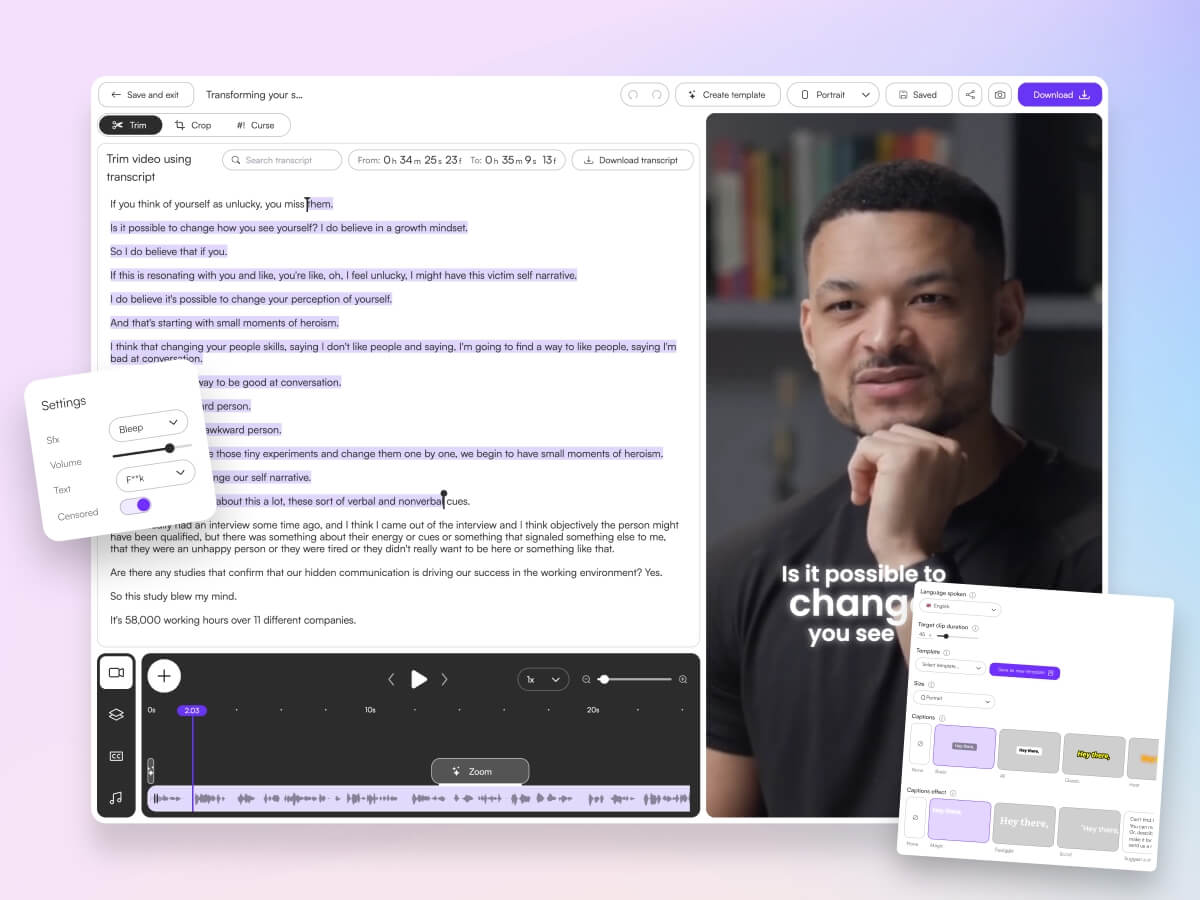
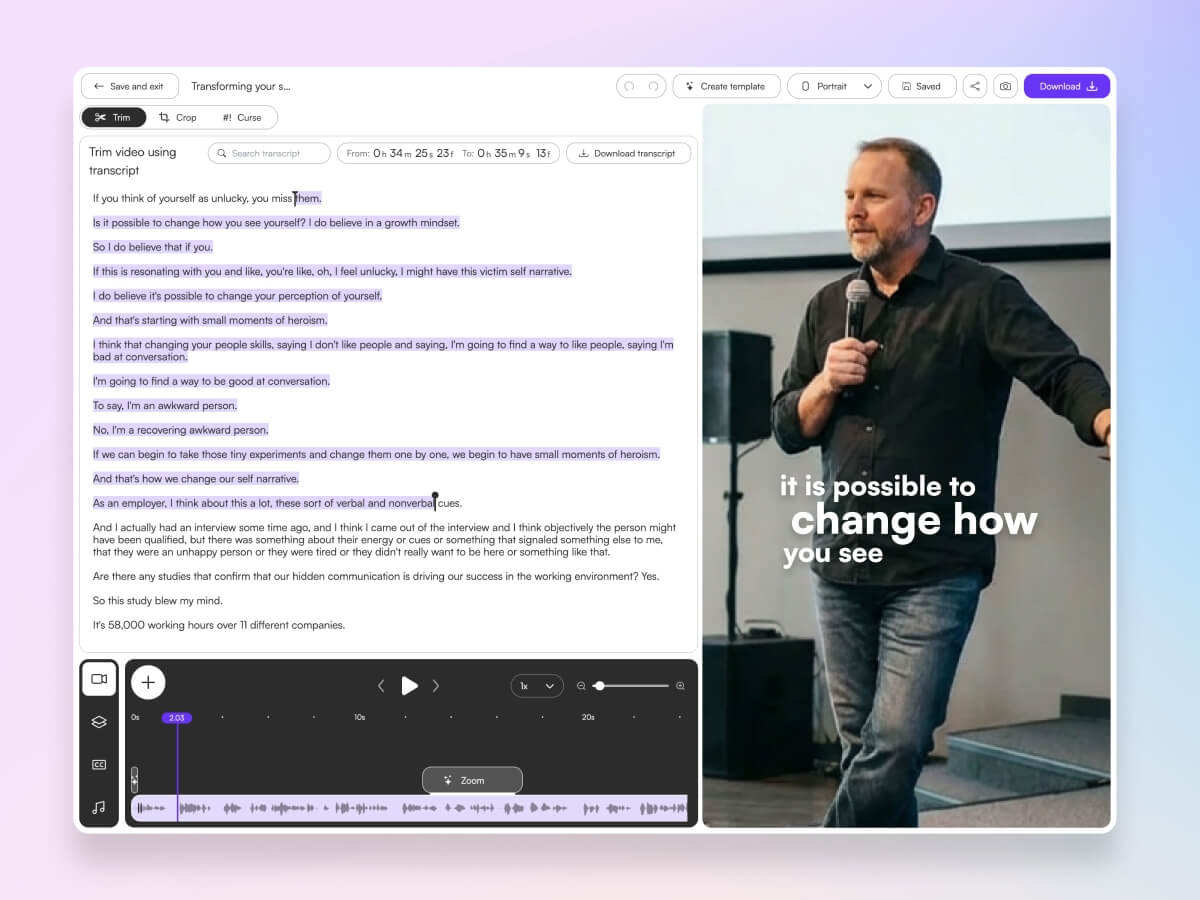
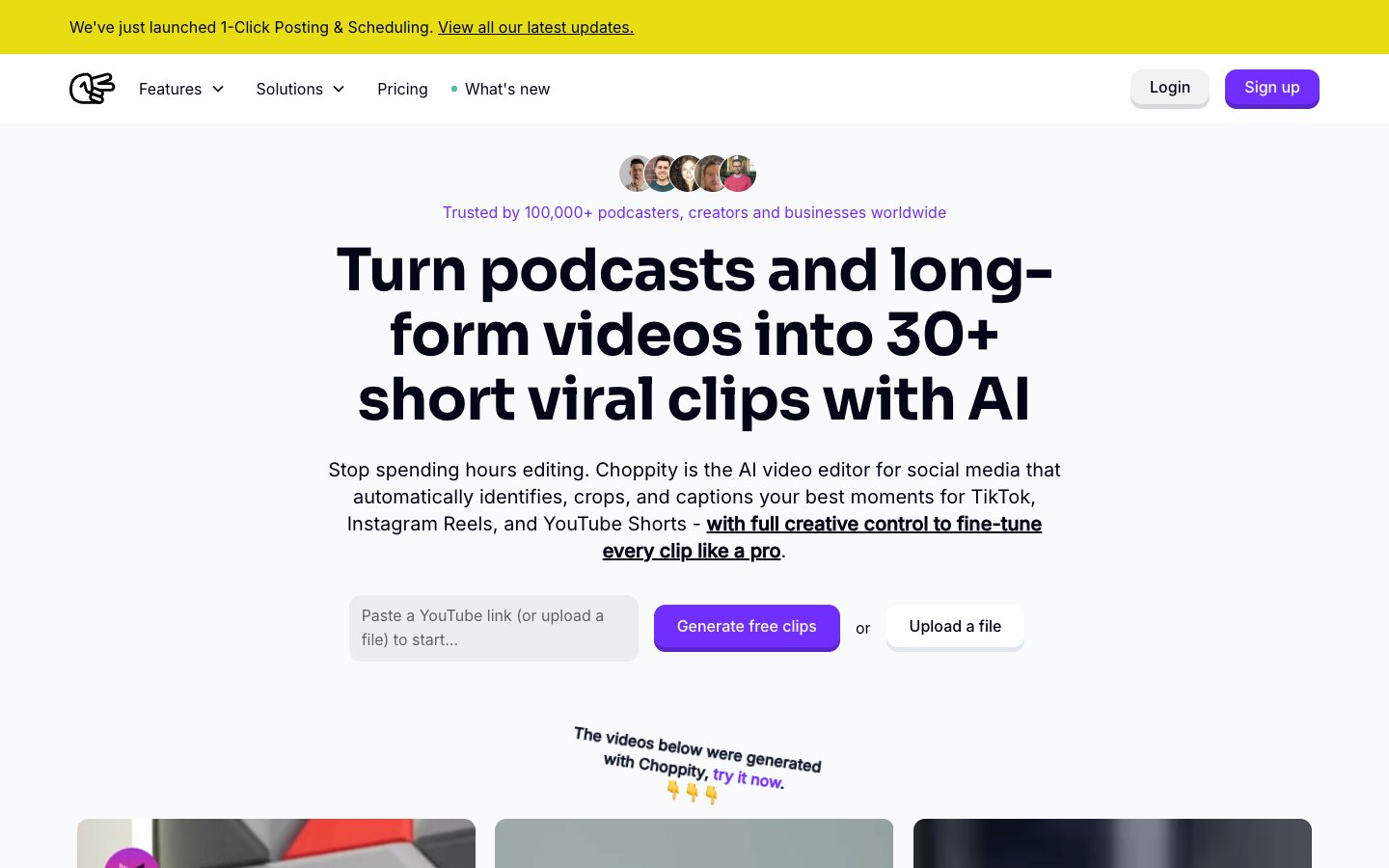
Choppity is an AI-powered video editor built for turning long-form video into short, social-ready clips. What makes it the top pick for YouTube creators isn't just speed-it's the combination of context-aware AI clipping and a full editing suite that lets you refine every clip before it goes live.
The "Aha!" Moment
Most YouTube creators know the pain: scrubbing through 60 minutes of footage, trying to find the three moments that will work as Shorts. Choppity eliminates that entire phase. Its AI doesn't just detect loud moments or jump cuts-it analyzes conversation context to find complete thoughts. That means it captures full stories, key insights, and punchlines rather than clipping mid-sentence.
Workflow Snapshot
Three steps to YouTube clips
- Step 1: Upload your video or paste a YouTube link
- Step 2: AI identifies 10+ shareable segments-hooks, insights, reactions, and key moments
- Step 3: Apply one-click "Magic Captions," choose your aspect ratio, and export directly to social platforms
That's it. A process that used to take hours now takes minutes-and the results are better because the AI finds moments human editors might overlook during a manual scrub.
Real Use Case
A YouTube creator used Choppity to turn one 30-minute interview into 12 Shorts in under 15 minutes. Instead of posting one Short per video, they maintained daily Shorts from a single upload. The result: a 300% increase in channel impressions and consistent subscriber growth from Shorts discovery.
Pros
- Fastest render speeds in the category-clips ready in minutes, not hours
- Native facial recognition keeps the speaker centered in vertical 9:16 crops, even from a wide-angle shot
- Highly customizable caption templates-trending styles, brand colors, custom font uploads
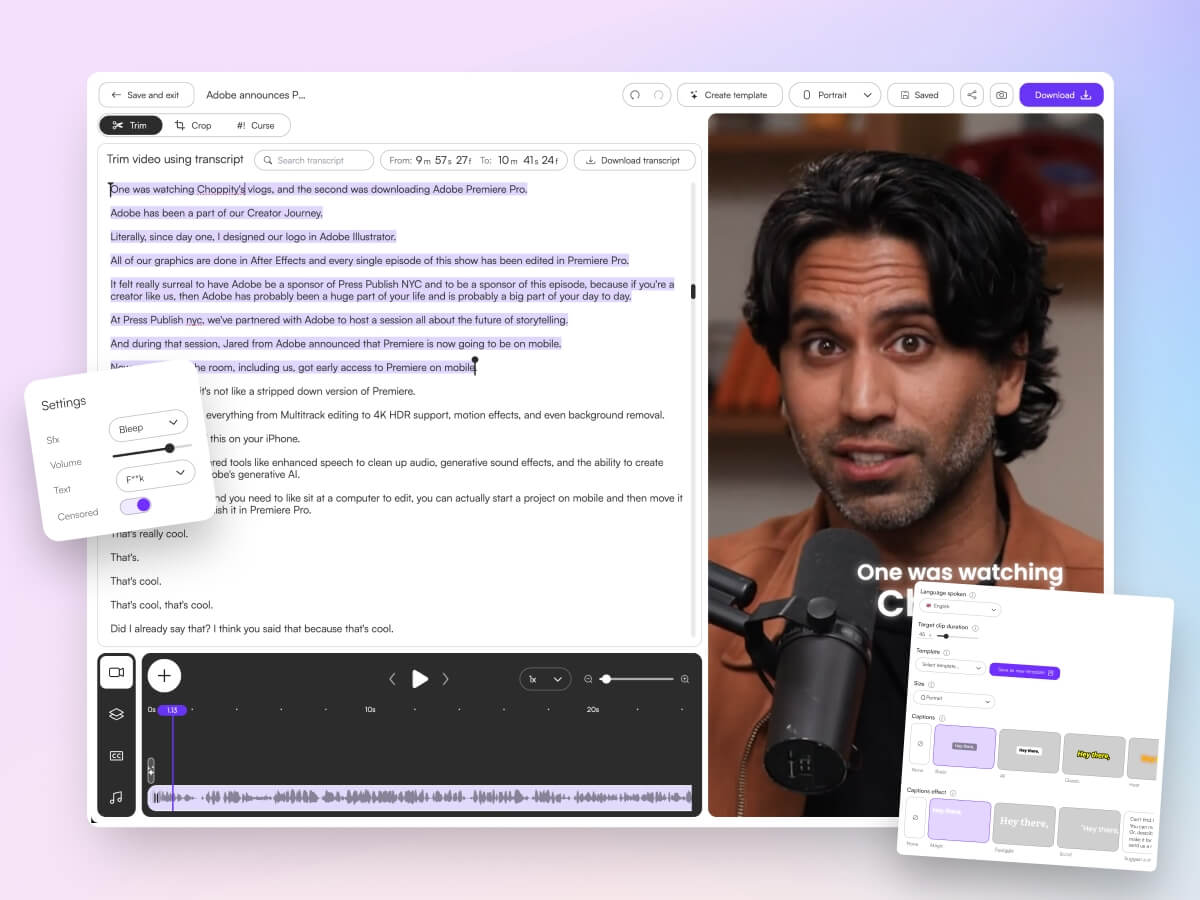
- Transcript-based editing-edit text, not timelines, so no advanced video skills needed
- 97-language caption support for global audiences
- B-roll support-layer additional footage, images, or sound effects over clips
- Multi-format export: 9:16 (Shorts, Reels, TikTok), 1:1 (Instagram feed), 16:9 (YouTube)
- Profanity censoring built-in-useful for repurposing unfiltered content
Cons
- Free tier includes a watermark
- Best suited for talking-head and interview content (less ideal for cinematic B-roll heavy videos)
Opus Clip
Opus Clip is a one-click AI clipping tool that analyzes long-form video and generates multiple short clips automatically. It includes a "virality score" that predicts which clips are most likely to perform on social media.

Pros
- Zero-effort clip generation-upload and wait
- Fast processing for standard-length videos
- Virality scoring helps prioritize which clips to post first
Cons
- Minimal editing control after clips are generated
- AI optimizes for viral hooks, which may miss nuanced moments that matter to your audience
- Less context-aware than Choppity for dialogue-heavy content
Descript
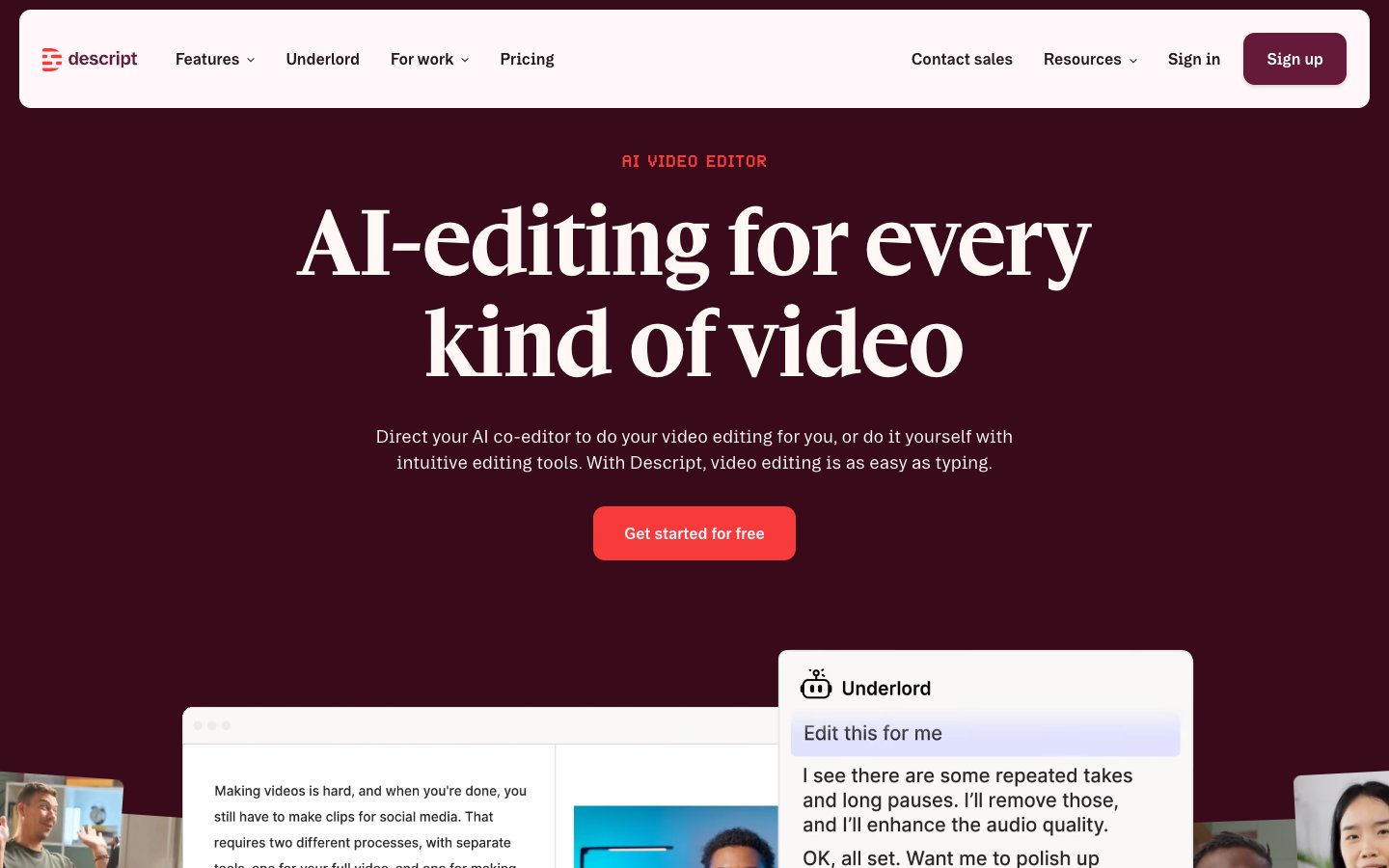
Descript pioneered the "edit video by editing text" approach. You get a full transcript and can delete, rearrange, or trim content by modifying the text. It also includes filler word removal and Studio Sound for audio cleanup.
Pros
- Powerful transcript-based editing-intuitive for text-oriented creators
- Filler word removal cleans up casual delivery
- Full editing suite for podcast and video production
Cons
- No AI highlight detection-you still need to find the moments manually
- Steeper learning curve than dedicated clip makers
- More of a production suite than a quick-clip tool
Vizard
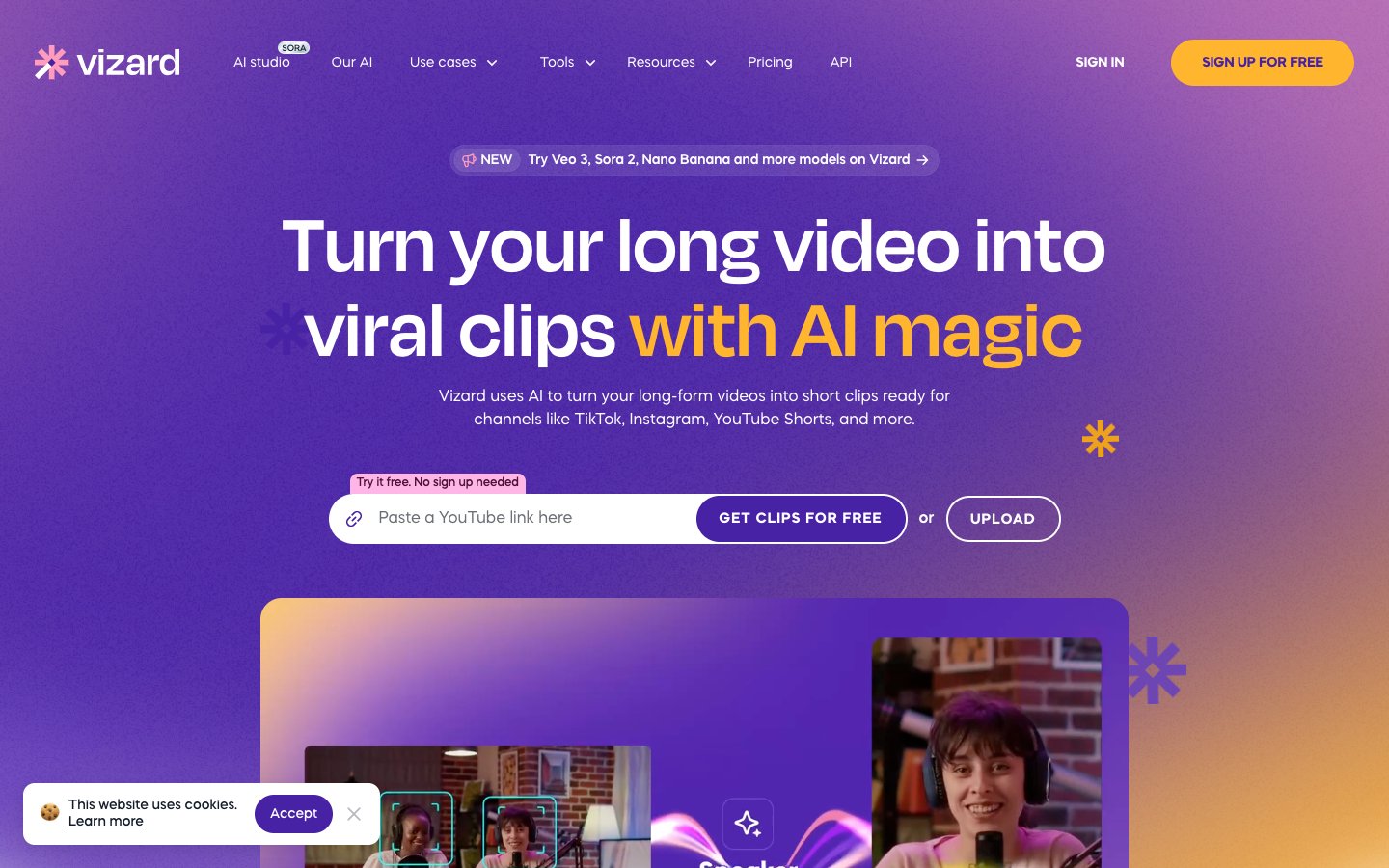
Vizard is a browser-based AI clip generator. Upload a video, and the AI identifies potential short clips with auto-reframing and captions. No software installation required-everything runs in the browser.
Pros
- No installation-runs entirely in the browser
- Simple interface that anyone can use
- Auto-reframing and basic caption generation included
Cons
- Less control and customization than Choppity
- Generic AI detection-not optimized for specific content types
- Caption styling options are limited compared to dedicated tools
Vidyo.ai
Vidyo.ai focuses on AI-driven repurposing from long-form to short-form video. It uses templates to generate clips with captions and formatting, making it a straightforward option for basic repurposing.

Pros
- Simple, template-driven workflow
- Quick generation of multiple clips from a single video
- Affordable pricing for solo creators
Cons
- Basic caption and formatting options compared to Choppity or Submagic
- Template rigidity limits creative customization
- AI detection accuracy is lower for nuanced content
Submagic
Submagic specializes in animated captions and visual overlays. If you already have trimmed clips and want to add viral-style animated captions, Submagic's template library is one of the strongest in the market.

Pros
- Best-in-class caption animation templates
- Strong visual styling options (emoji overlays, dynamic text effects)
- Easy to use for caption-focused workflows
Cons
- No AI highlight detection-you need pre-trimmed clips
- Limited input duration (not designed for full-length videos)
- Primarily a caption tool, not a full clip maker
Riverside
Riverside is primarily a recording platform with high-quality local audio and video capture. Its "Magic Clips" feature adds AI-powered clip generation on top of the recording workflow.

Pros
- High-quality local recording-great for remote interviews and podcasts
- Combined recording + clipping eliminates tool-switching
- Good transcription accuracy
Cons
- Clipping is secondary to recording-less sophisticated than dedicated clip makers
- Higher price point for the full feature set
- Magic Clips AI detection is less context-aware than Choppity
CapCut
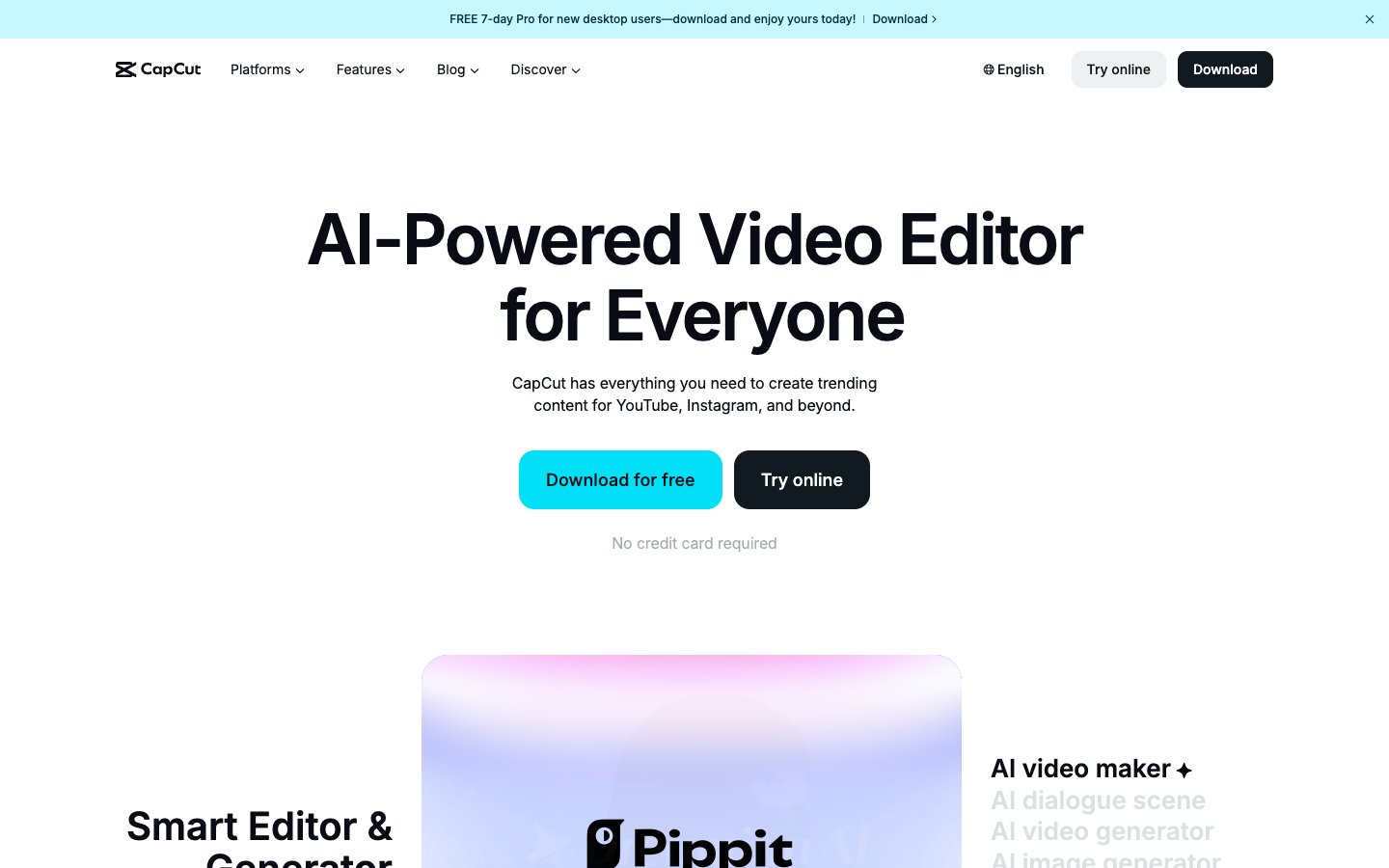
CapCut is a free video editor (by ByteDance, the company behind TikTok) with AI-powered captions, templates, and direct TikTok integration. It's a capable editor, but it requires manual clip selection-there's no AI to find highlights for you.
Pros
- Completely free with a rich template library
- AI-powered auto-captions included
- Seamless TikTok publishing integration
Cons
- No AI highlight detection-fully manual clip selection
- Time-intensive workflow compared to AI clip makers
- Requires some video editing familiarity
Repurpose.io
Repurpose.io is not a clip creation tool-it's an auto-distribution platform. Once you've created clips (with Choppity or another tool), Repurpose.io can automatically publish them across YouTube, TikTok, Instagram, Facebook, LinkedIn, and more.

Pros
- Automates multi-platform publishing-post once, distribute everywhere
- Connects to all major social platforms
- Schedule-based posting for consistent social media presence
Cons
- Does not create or edit clips-requires a separate tool
- Additional cost on top of your clip maker subscription
- Setup requires connecting multiple social accounts
Head-to-Head Comparison
| Feature | Choppity | Opus Clip | Descript | Vizard | Vidyo.ai | Submagic | Riverside | CapCut | Repurpose.io |
|---|---|---|---|---|---|---|---|---|---|
| AI Hook Detection | Yes (High) | Yes (Med) | No | Yes (Med) | Yes (Low) | No | Yes (Low) | No | N/A |
| Auto-Captions | 98% Accuracy | 95% | 96% | 93% | 92% | 95% | 94% | 90% | N/A |
| Caption Customization | High | Low | Medium | Medium | Low | High | Low | Medium | N/A |
| Face Tracking | Yes | No | No | Yes | No | No | No | No | N/A |
| Transcript Editing | Yes | No | Yes | No | No | No | No | No | N/A |
| Direct Social Export | Yes | Yes | No | Yes | Yes | No | No | Yes | Yes |
| Multi-Format | Yes | Yes | Yes | Yes | Yes | No | Yes | Yes | N/A |
| Free Tier | Yes (watermark) | Yes (watermark) | Limited | Limited | Limited | Limited | Limited | Yes (free) | Limited |
How to Choose a YouTube Video Clip Maker
Not every creator has the same needs. A solo YouTuber has different requirements than a media agency managing 10 channels. Here's what to evaluate.
Face-Tracking Technology
YouTube videos are typically shot in 16:9 landscape. When you crop that to 9:16 for Shorts, the speaker can easily end up off-center or cut off. AI face tracking automatically keeps the subject centered in the frame, regardless of movement. Choppity's native facial recognition handles this automatically-a feature most competitors lack.
Caption Quality and Retention
Over 85% of social media video is watched on mute. If your clips don't have captions, most people will scroll past. Caption accuracy matters-names, technical terms, and brand references need to be transcribed correctly. Look for tools with high accuracy rates and the ability to edit captions before publishing. Multi-language support is also valuable for creators with global audiences-Choppity supports 97 languages.
Multi-Platform Aspect Ratios
Different platforms require different formats. Your clip maker should handle this automatically:
Key aspect ratios for YouTube creators
- 9:16 (vertical): YouTube Shorts, TikTok, Instagram Reels
- 1:1 (square): Instagram feed posts, Facebook feed
- 4:5 (tall rectangle): Facebook and Instagram-higher engagement than 1:1
- 16:9 (landscape): YouTube long-form, website embeds
Handling Long Videos
This is where many tools fall short. Most AI clip makers are designed for 10-to-30-minute input. YouTube videos often run 30 to 90+ minutes. Some tools require pre-trimming before uploading-which defeats the purpose of automation. Choppity handles full-length video input natively, analyzing the entire recording and finding highlights across the full duration without pre-trimming.
Frequently Asked Questions
Does Choppity have a free trial?
Yes. Choppity offers a free tier that lets you test the full workflow-upload a video, generate clips, and add captions. The free tier includes a watermark on exports, which is removed on paid plans. Start your free trial here.
Can AI video clippers replace a human editor?
AI clip makers are a force multiplier, not a total replacement. They eliminate the most time-consuming parts of the workflow-scrubbing footage, trimming clips, adding captions, and formatting for platforms. But human judgment still matters for selecting which clips best represent your brand and message.
What is the best AI for YouTube Shorts?
Choppity is the best option for creating YouTube Shorts. It combines AI highlight detection that understands conversation context (not just audio spikes), native face tracking for vertical crops, and highly customizable caption templates-all critical for Shorts that stop the scroll.
Can AI handle a 60+ minute YouTube video?
Some tools can, some cannot. Choppity, Opus Clip, and Descript accept long-form input without pre-trimming. Other tools like Submagic have input duration limits and require you to trim first. If your videos regularly run over 30 minutes, choose a tool designed for long-form input.
Do I need video editing experience to use these tools?
No. Tools like Choppity use transcript-based editing-you edit text, not timelines. If you can edit a document, you can edit a video clip. CapCut and Descript have slightly steeper learning curves, but most tools on this list are designed for non-editors.
The Verdict
After testing all 9 tools with the same YouTube video, Choppity is the clear winner for creators and brands. It's the only tool that combines context-aware AI clipping (finding complete moments, not just loud ones), native face tracking, highly customizable captions, transcript-based editing, and multi-format export-all in a single platform.
Quick recommendation summary
- Best overall: Choppity - speed, accuracy, and editing control in one platform
- Best free option: CapCut - if you have the time for manual editing
- Best fully automated: Opus Clip - hands-off but limited control
- Best for recording + clipping: Riverside - if you also need a recording platform
- Best for distribution: Repurpose.io - pair with Choppity for end-to-end automation
The most effective YouTube growth strategy in 2026 combines long-form depth with short-form reach. One video per week can fuel daily Shorts across every platform. The creators who grow fastest are the ones who repurpose every video, every week-and AI makes that sustainable even as a solo creator.

Written by
Michael WongYouTuber with 215K+ subscribers and founder of Choppity. Building AI tools that help creators repurpose content at scale.