Podcasters - Turn a podcast episode into 30+ short clips in 1 click
Turn podcast episodes into short clips that grow your audience faster. Turn podcast episodes into short-form video clips automatically. Save time and editing costs with AI-powered clipping.
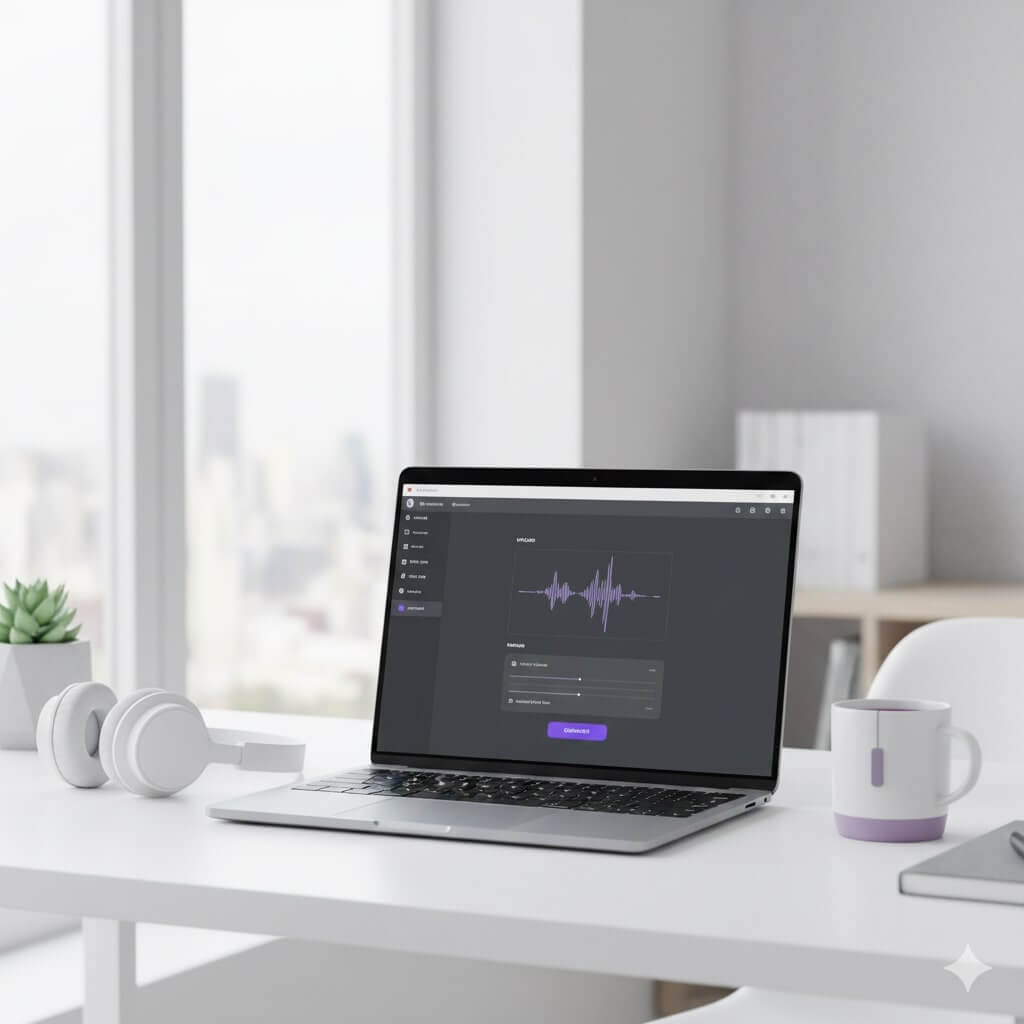
Turn podcast episodes into short clips that grow your audience faster
1
Upload your episode
Import your podcast video from YouTube or upload it directly
2
AI finds moments
AI detects highlights and generates 30+ short clips.
3
Edit fast
Make any edits using the transcript and our AI video editor
4
Export and publish
Download platform-ready clips and publish consistently.
01 — The problem
Editing podcasts is slow and expensive
Repurposing podcast episodes manually drains time, money, and momentum.
- Hiring editors costs $100–$300 per episode
- Finding moments, reframing, captions, and exports take 4–8+ hours
- Feedback loops and contractors delay publishing by days

02 — The solution
Automate podcast clipping with AI
Replace manual editing with an AI workflow designed for conversations.
- Automatically generate 10–30+ short clips per episode
- Reduce editing time by 80%+ using transcript-based editing
- Export vertical, captioned clips in minutes
03 — The outcome
Grow your reach without extra editing costs and headaches
Stop wasting time and money trying to scale your short-form content with manual labour. Choppity is the AI-powered short-form video editor, helping podcasters generate 30+ short-form clips from just one podcast episode.
Growing your audience is a numbers game. The more content you push out, the higher chance your brand will grow.
Short-form video is how new listeners around the globe will discover your podcast.
Try it for free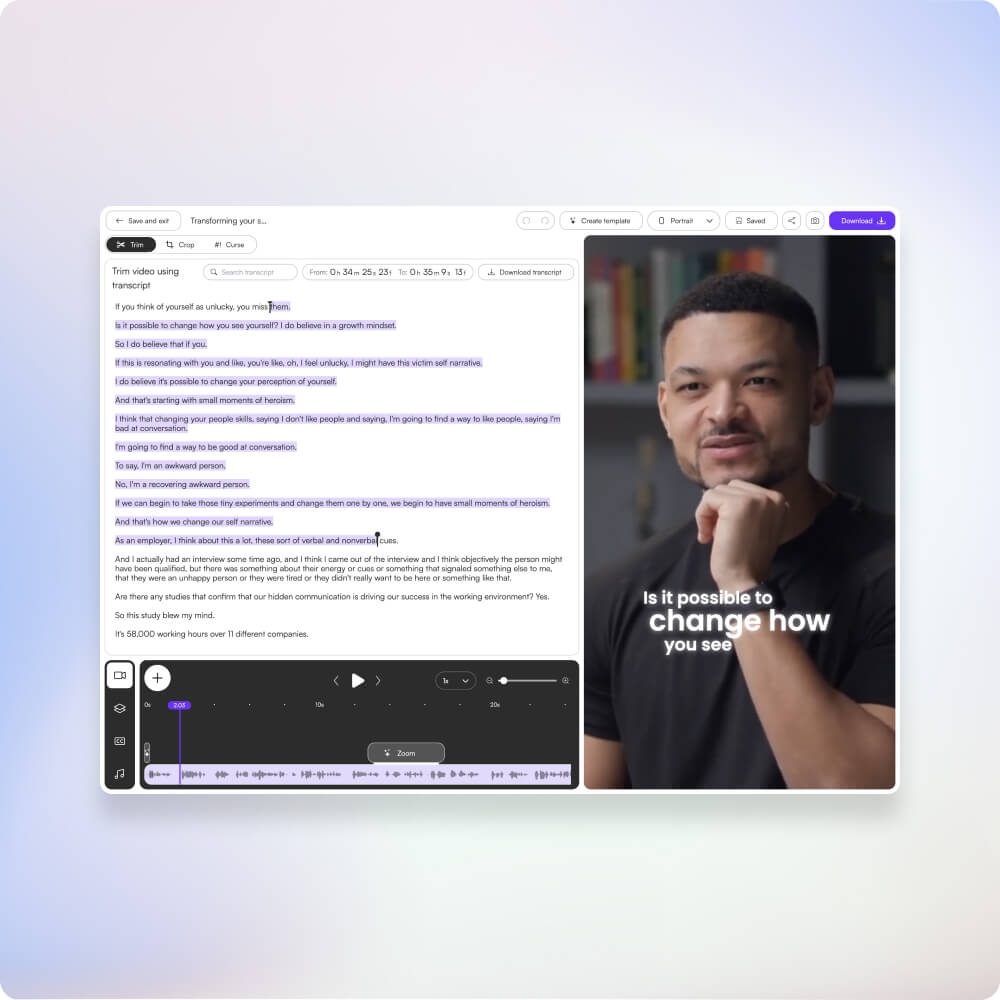
04 — Try it for free
These podcasters, creators, content teams and founders said yes, look what happened
Here’s what happened when you stop trying tools or dabble with video editors and start using Choppity.

These podcasters, creators, content teams and founders said yes, look what happened
Here's what happened when you stop trying tools or dabble with video editors and start using Choppity.
"All these random startups and VC-backed companies going after the "creator economy". Now this is how you do it. For creators, built by creators. Super bullish on products being built for the pain points already felt deeply by the founder. Let's goooooo!"

Alex B.
YouTuber & Founder, EfficientApp
"Exactly the solution I was looking for. Just generated all these clips whilst in bed! Awesome work and congrats on the launch"

Ramish
YouTuber & Designer
"After a few small technical issues the team really went above and beyond to help. They were fast and efficient and really made all the difference. I don’t think I have had this type of customer service … maybe ever lol - Thank you and recommend"

Nicole B.
Content creator
"We've been using Choppity for the last 6 months or so for the AutoTrader tech podcast. We've seen a massive increase in our views and subscribers! Couldn't have done it without Choppity."

Callum B.
Product Lead, AutoTrader
"Since we've started using Choppity, our socials have seen a 4x increase in overall views across our channels. Love the non-stop product updates as well."

Vaibhav
Founder, SmartLead.ai
"Want cleaner podcasts without spending hours editing? We found an AI tool that automatically censor swear words audio bleeps AND caption cleanup! Choppity. Game changer"
AwesomeCast
Tech Podcast
"The Choppity team have been shipping new updates to the product which I am quite happy about. It's getting faster and they are also giving us the features we've been asking for!"

Amy L.
Finance creator
"In the past I've tried to get my YouTube video editor to create mass amount of short form content, but they struggled. Economically it didn't make sense and the quality wasn't great. Choppity has been an INCREDIBLE asset in scaling up my short-form video reach. Having ALL the clips automatically clipped, styled and ready to publish has been the biggest lever to growing my businesses."
Michael W.
YouTuber & Designer
More use cases
content creators
Turn long videos into short-form clips automatically. Save editing costs, publish more content, and avoid creator burnout.
Learn moremarketing agencies
Help clients grow audiences and generate leads using short-form video. Turn long videos into 20–50+ clips, reduce editing time by 80%+, and improve ROI.
Learn morechurches
Transform sermons into short-form video clips. Reach more people globally, build local and global presence, and tap into the short-form content economy with 90% of internet traffic.
Learn moreecommerce brands
Turn product videos into short-form clips for TikTok, Reels, and Shorts. Generate 20–50+ clips per product and reach global audiences with 80%+ less editing.
Learn moreFAQ
Common questions about Choppity and how it works
Do I need video editing experience to use Choppity?
No! Choppity is designed to be accessible for everyone, regardless of video editing experience. The AI does the heavy lifting by automatically finding highlights and generating clips, while the transcript-based editing lets you refine clips by simply editing text. If you can edit a document, you can edit clips in Choppity.
Can I customize the style of my podcast clips?
Absolutely! Choppity gives you complete creative control over clip styling. You can customize captions (fonts, colors, animations, positioning), add your own B-roll footage or images, insert sound effects, modify timing and pacing, and adjust visual elements. You can even upload custom fonts to match your podcast brand exactly.
How many clips can I create from one podcast episode?
Choppity can generate dozens of short clips from a single podcast episode. The exact number depends on your episode length and content, but typically a 30-minute podcast might generate 10-20 clips, while a 2-hour episode could produce 30-50+ clips.
Can I add captions to my podcast clips?
Yes! Choppity automatically generates accurate, animated captions for all your podcast clips. The platform supports 97 languages, so you can create captions for global audiences. You have full control over caption styling: customize fonts, colors, animations, and positioning.
How much does Choppity cost for podcasters?
Choppity offers super competitive pricing that’s perfect for podcasters. The free plan includes 1 hour of AI analysis time and 2GB of storage, great for trying out the platform. The Starter plan is just $12/month with 3 hours of AI analysis time and 40GB storage. The Pro plan is $25/month with 5 hours of AI analysis and 100GB storage.
What video formats does Choppity support for podcast clips?
Choppity supports all major video formats including MP4, MOV, and WebM. You can upload your podcast video files directly without needing to convert them first. For export, Choppity automatically formats clips for multiple platforms: 9:16 vertical, 1:1 square, and 16:9 landscape.
Can I edit clips after AI generation in Choppity?
Absolutely! This is one of Choppity’s key differentiators. Unlike many AI clip generators that only provide automation, Choppity gives you full creative control after AI generation. You can customize everything: trim clips, adjust captions, change fonts and colors, add B-roll footage, and more.
How does Choppity find the best moments in my podcast?
Choppity uses advanced AI that analyzes your podcast content using context-aware clipping technology. The AI looks for moments that make sense on their own, captures complete thoughts rather than isolated soundbites, and identifies sections that are most likely to engage viewers on social media.
Can I use Choppity to create clips from my podcast episodes?
Yes! Choppity is specifically designed for podcasters who want to repurpose their long-form episodes into engaging short clips for social media. Simply upload your podcast video or audio file, and Choppity’s AI will automatically detect the most engaging moments, quotes, and highlights.