
Turn podcasts and long-form videos into 30+ short viral clips with AI
Stop spending hours editing. Choppity is the AI video editor for social media that automatically identifies, crops, and captions your best moments for TikTok, Instagram Reels, and YouTube Shorts — with full creative control to fine-tune every clip like a pro.
Loved and used by real creators, podcasters, brands and more
 LockedOn Lakers
 Jeremy Vine & Daytime on 5
 Lighten Up Podcast
  Unscripted by Raygan
 Made by Mizko
 Design Champs
  MotDollarMiljonen
 Southside Presbyterian Church
 Hope Rising Church Southside Presbyterian Church
 Let The Streets Rejoice
  LockedOn Lakers Jeremy Vine & Daytime on 5 Lighten Up Podcast
  Unscripted by Raygan Made by Mizko Design Champs
  MotDollarMiljonen Southside Presbyterian Church Hope Rising Church
  Southside Presbyterian Church Let The Streets Rejoice LockedOn Lakers Jeremy Vine & Daytime on 5 Lighten Up Podcast Unscripted by Raygan Made by Mizko Design Champs MotDollarMiljonen Southside Presbyterian Church Hope Rising Church Southside Presbyterian Church Let The Streets Rejoice LockedOn Lakers Jeremy Vine & Daytime on 5 Lighten Up Podcast Unscripted by Raygan Made by Mizko Design Champs MotDollarMiljonen Southside Presbyterian Church Hope Rising Church Southside Presbyterian Church Let The Streets Rejoice
 Trusted by teams at




 MPS Society
 SonatypeMPS SocietySonatypeMPS SocietySonatypeMPS SocietySonatype
 Your end-to-end workflow for repurposing content
Choppity saves you time by automating tedious editing, whilst still giving you full control to edit everything.

Upload your video
Don't waste time (and bandwidth). Paste any YouTube link or upload MP4/MOV files directly. Our AI Video Clipper ingests hour-long content in minutes.

Select your video styles
Consistency is key. Set your custom fonts, logos, and colors once. The AI applies your brand template to every clip automatically.

Generate 30+ clips
Choppity's AI analyzes your transcripts, finds all the best moments, then clips and styles them for you. You still keep full creative control with a built-in video editor to fine-tune every detail.

Grow your views
Post directly to TikTok, Instagram Reels, YouTube Shorts, and more with one click. Schedule ahead, stay consistent, and watch your views and engagement grow on autopilot.
Every feature you need to generate short clips superfast
Choppity saves you time by automating tedious editing, whilst still giving you full control to edit everything.

1-click posting to social platforms
Learn more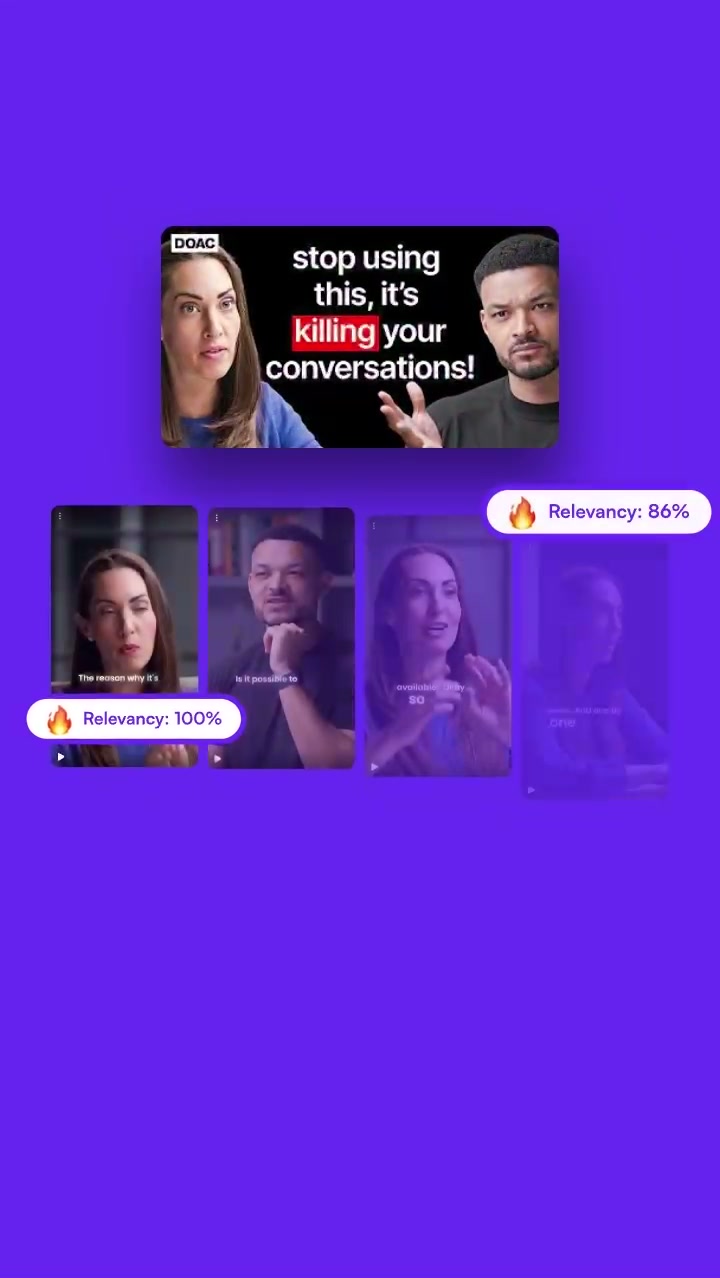
Short clips generator
Learn more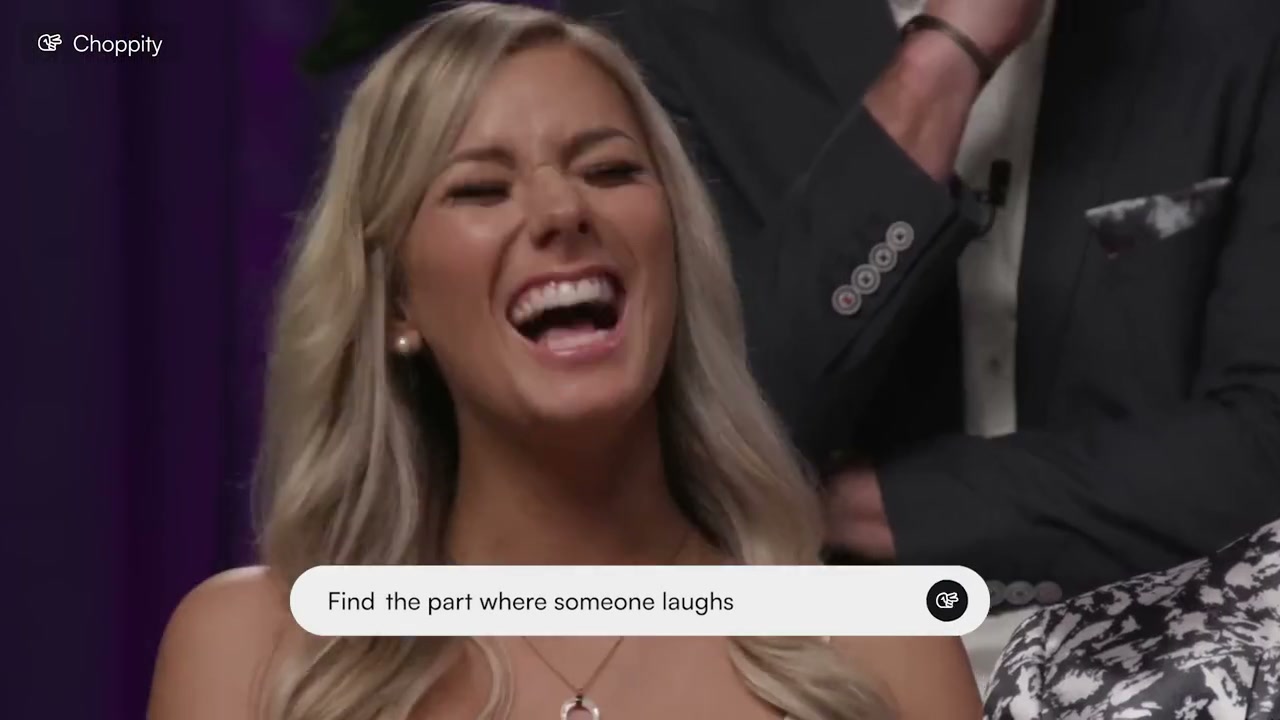
Find specific moments
Learn more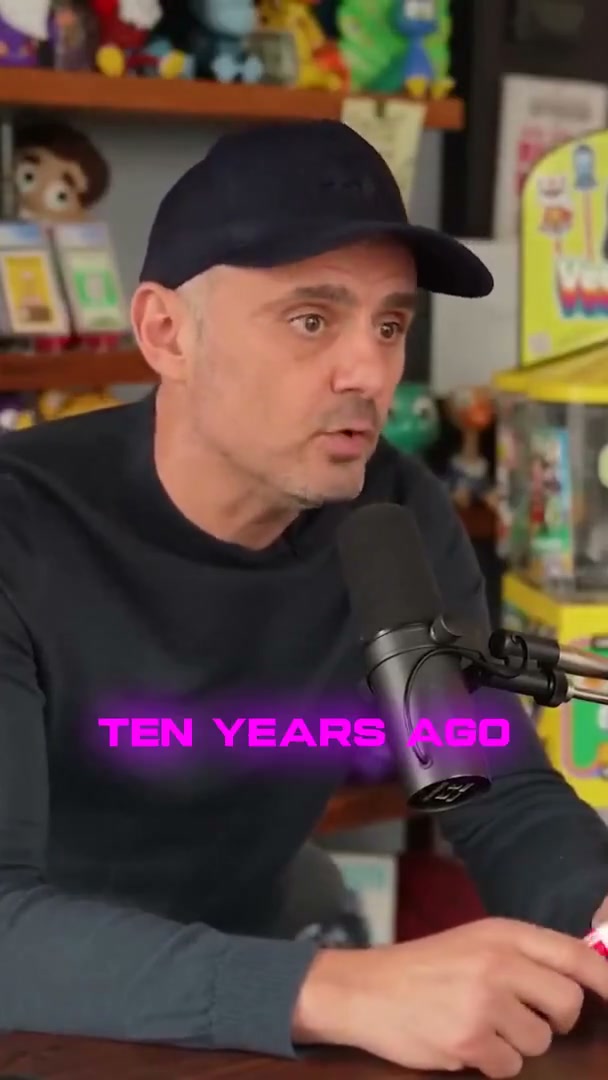
Automated captions
Learn more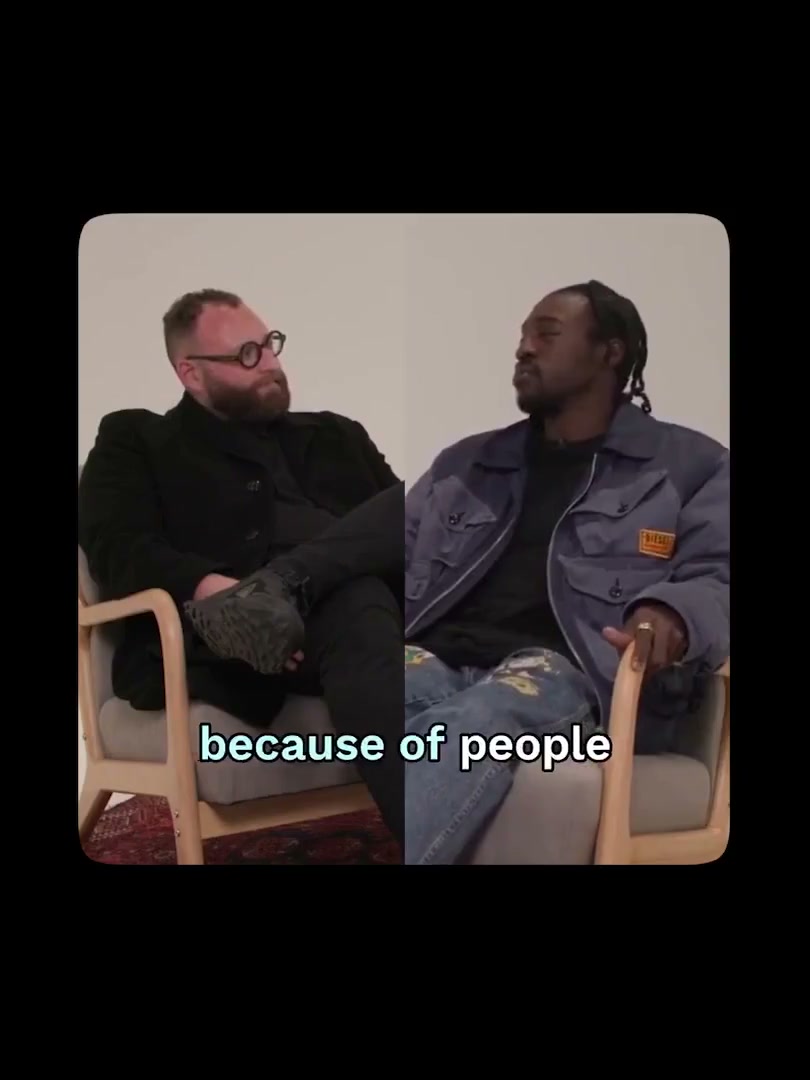
Automated framing
Learn more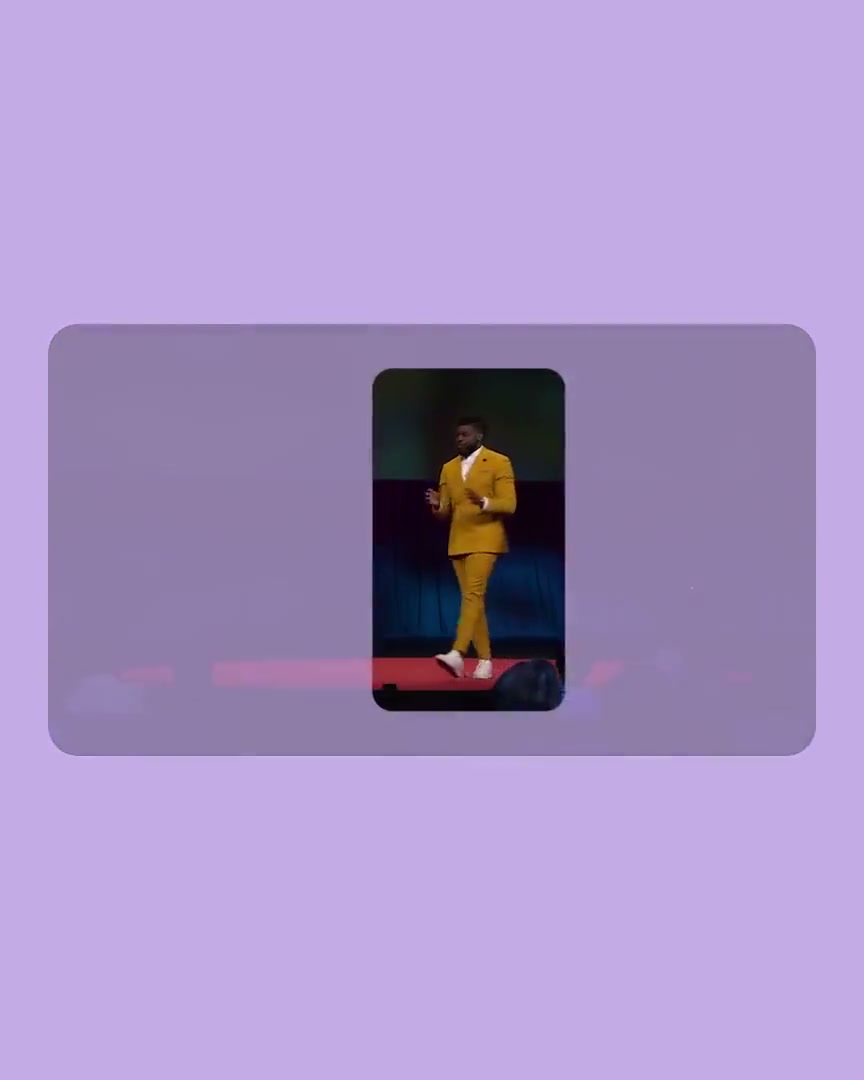
Automated tracking
Learn more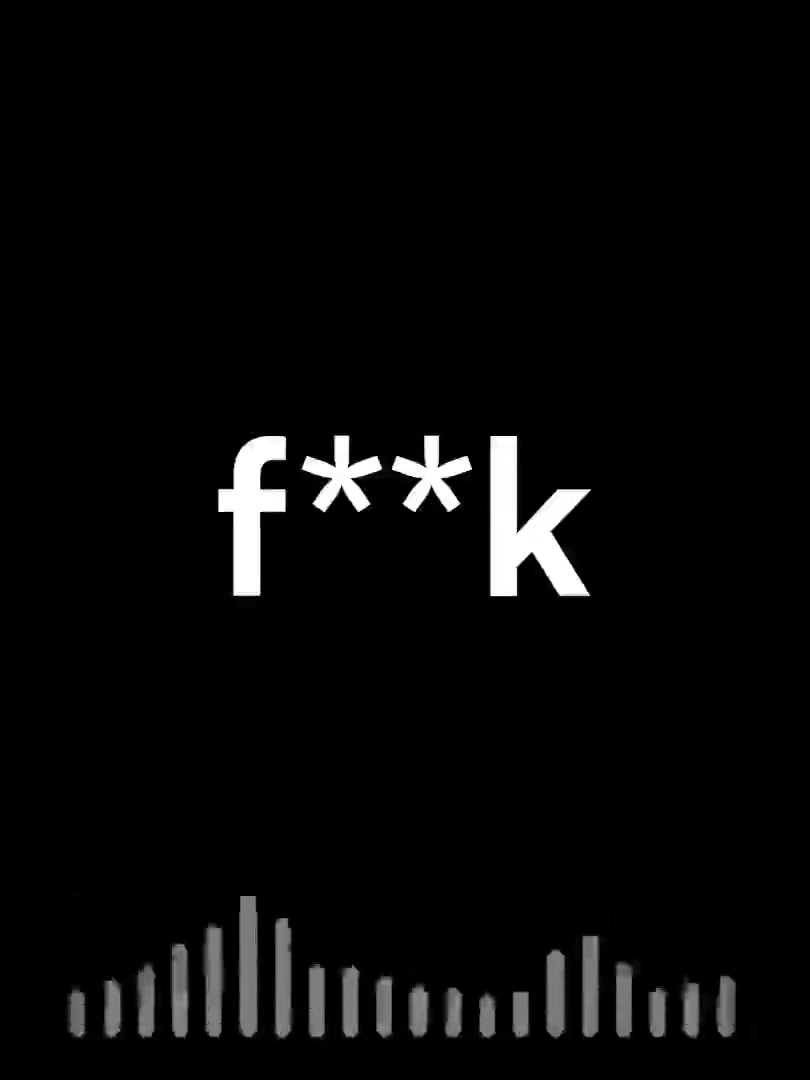
Auto-censor profanity
Learn more
Text-based video editing
Learn more Keyword search and clip
Learn more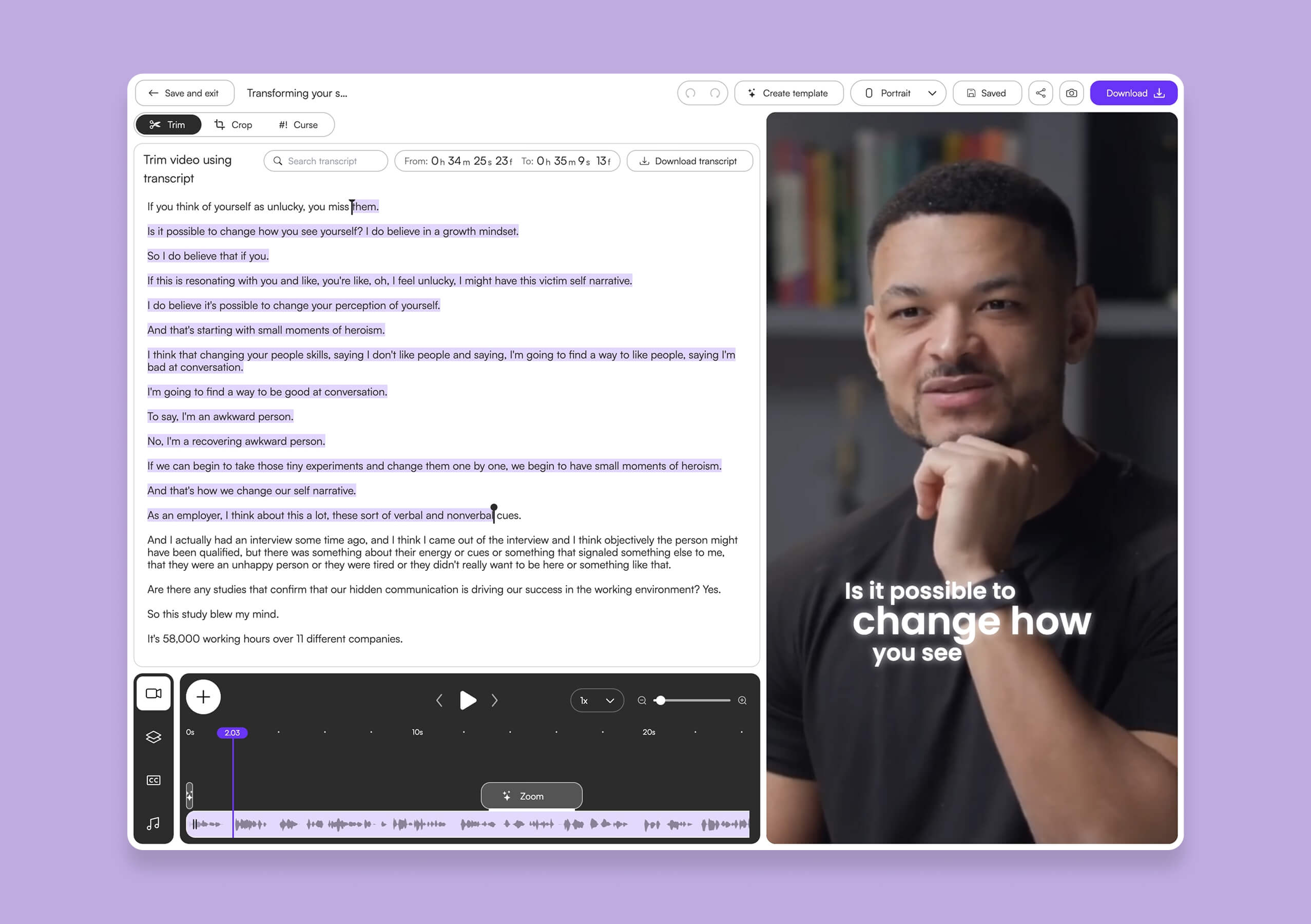
AI video editor
Learn moreSuggest a feature
We ship new features every month. Let us know what you're looking for.
Loved by Content creators PodcastersCreatorsMedia agenciesYouTubersContent creatorsChurch pastorsNon-profits
Here's what happened when you stop trying tools or dabble with video editors and start using Choppity.
"All these random startups and VC-backed companies going after the "creator economy". Now this is how you do it. For creators, built by creators. Super bullish on products being built for the pain points already felt deeply by the founder. Let's goooooo!"

Alex B.
YouTuber & Founder, EfficientApp
"Exactly the solution I was looking for. Just generated all these clips whilst in bed! Awesome work and congrats on the launch"

Ramish
YouTuber & Designer
"After a few small technical issues the team really went above and beyond to help. They were fast and efficient and really made all the difference. I don’t think I have had this type of customer service … maybe ever lol - Thank you and recommend"

Nicole B.
Content creator
"We've been using Choppity for the last 6 months or so for the AutoTrader tech podcast. We've seen a massive increase in our views and subscribers! Couldn't have done it without Choppity."
Callum B.
Product Lead, AutoTrader
"Since we've started using Choppity, our socials have seen a 4x increase in overall views across our channels. Love the non-stop product updates as well."

Vaibhav
Founder, SmartLead.ai
"Want cleaner podcasts without spending hours editing? We found an AI tool that automatically censor swear words audio bleeps AND caption cleanup! Choppity. Game changer"
AwesomeCast
Tech Podcast
"The Choppity team have been shipping new updates to the product which I am quite happy about. It's getting faster and they are also giving us the features we've been asking for!"

Amy L.
Finance creator
"In the past I've tried to get my YouTube video editor to create mass amount of short form content, but they struggled. Economically it didn't make sense and the quality wasn't great. Choppity has been an INCREDIBLE asset in scaling up my short-form video reach. Having ALL the clips automatically clipped, styled and ready to publish has been the biggest lever to growing my businesses."
Michael W.
YouTuber & Designer
AI that edits with you, not just for you
Take full editing control, or let our AI take over. Either way, it's effortless.

Edit videos like a Word document
With Choppity, you can edit videos using the transcript of the spoken words. The purple-highlighted section represents the part currently selected from your video.
- • Drag one of the handles to trim.
- • Highlight a section in the middle and cut it out.
- • Add an image or a b-roll video on any part of the transcript.

Built for large teams that demand high-volume clip generation

Choppity is built for teams that need to produce clips at scale, post across multiple social accounts, and coordinate across team members — without the chaos.
Dedicated team workspaces keep everything organized. Assign roles and permissions so editors, managers, and stakeholders each get the right level of access.
Allocate resources to individual team members, track usage, and ensure your entire content operation runs smoothly from one place.
Podcasters, YouTubers, content creators and media companies worldwide are saving time and scaling faster.
Choppity users report faster workflows, wider reach, and more engagement. The numbers speak for themselves.
Clips created
Generated since we've launched.
Hours saved
Manual editing time eliminated
Users worldwide
From the United Kingdom to United States.
FAQ
Common questions about Choppity and how it works
What is Choppity?
Choppity is an AI-powered video editing platform that automatically turns hours of podcasts, webinars, interviews, or any talking content into dozens of engaging short clips, all in minutes instead of hours. It handles cropping, captioning, framing, and even profanity censoring — so you can focus on creating, not editing.
How does Choppity work?
Upload your long-form video or paste a YouTube URL. Choppity's AI automatically transcribes your video and identifies high-impact moments, jokes, insights, reactions, and engaging hooks. Within minutes, you get 20-50+ short clips ready for TikTok, Reels, and YouTube Shorts — each with captions, smart framing, and your brand styling applied.
What video formats does Choppity support?
Choppity supports all major video formats including MP4, MOV, AVI, and more, no need to convert files before uploading. You can also import videos directly from YouTube by pasting the URL. Choppity works with any video that contains spoken content.
Can I use Choppity for free?
Yes! Choppity offers a free plan so you can try the platform and see if it fits your workflow. The free plan lets you upload videos, generate clips, and explore the editing tools. Paid plans unlock more uploads, storage, team features, and advanced capabilities.
What platforms can I export clips for?
Choppity exports clips optimized for all major social platforms: TikTok, Instagram Reels, YouTube Shorts, and more. The platform automatically reframes videos for different aspect ratios — 9:16 for TikTok/Reels/Shorts, 1:1 for Instagram, and 16:9 for YouTube.
Do I need video editing experience to use Choppity?
Not at all! Choppity was designed for people who have never touched a video editing timeline. Instead of scrubbing through timelines, you edit by editing text — delete a sentence to trim a clip, edit the transcript to change captions. For power users, a full editor is available.
How long does it take to process a video in Choppity?
Choppity processes videos in 5-15 minutes, depending on length. A 30-minute podcast might take 5-7 minutes, while a 2-hour webinar might take 12-15 minutes. Once clips are generated, you can review, edit, and export them instantly.
Can I import videos from YouTube?
Yes! Simply copy the YouTube link and paste it into Choppity. We'll import and process the video directly, no need to download anything first. This is perfect for repurposing existing content.
How many clips can I generate from one video?
From one long-form video, Choppity can generate 20-50+ short clips, depending on the length and richness of your content. The AI uses semantic understanding to identify high-impact moments, jokes, insights, and emotional hooks.
Is Choppity suitable for teams and agencies?
Absolutely! Choppity is built for teams and agencies managing multiple clients. The platform offers brand templates — save your custom styling (colors, fonts, caption styles) into reusable templates that ensure consistency across all your content.